📱 Save this app on your phone — tap here
Android (Chrome): tap the ⋮ menu (top right), then tap "Add to Home Screen" or "Install app".
No subscription. Modify your RAMS anytime.
Create a professional RAMS for your job in minutes
Smart Risk Assessment & Method Statement builder for UK construction teams. AI-assisted drafting, with you in control.
£14.99 per document — pay only when you download.

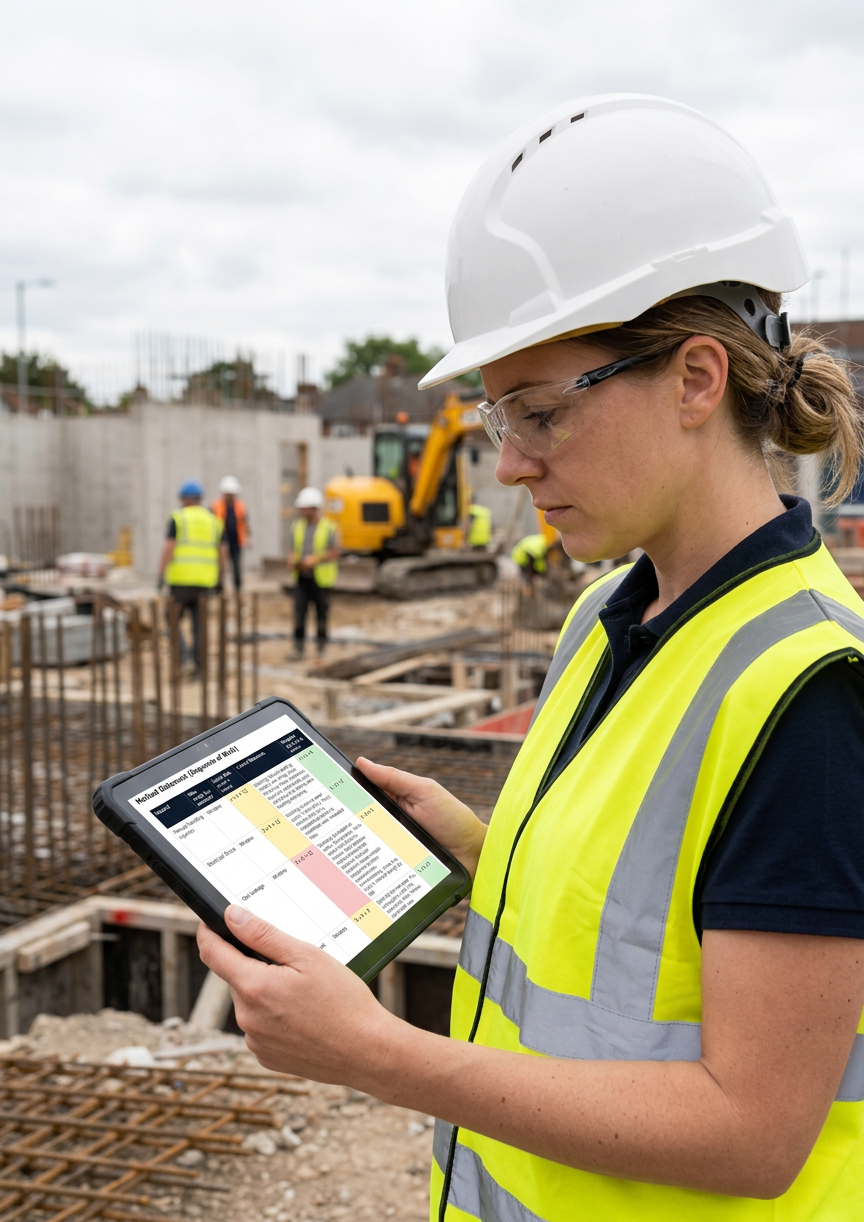

Example Output
No account needed · Under 10 minutes overall, with AI-assisted drafting in seconds
🇬🇧 Built for UK construction professionals
Why contractors use AJ Safety Docs
- ✓ No account required
- ✓ Built for UK construction
- ✓ AI-assisted drafting
- ✓ Download your RAMS instantly
- ✓ Instant sharing with your whole site team
Not sure health & safety law applies to you as a self-employed contractor? See HSE guidance ↗
Professional RAMS. Zero 30-page bloat.
See exactly what you get — no surprises, no filler.
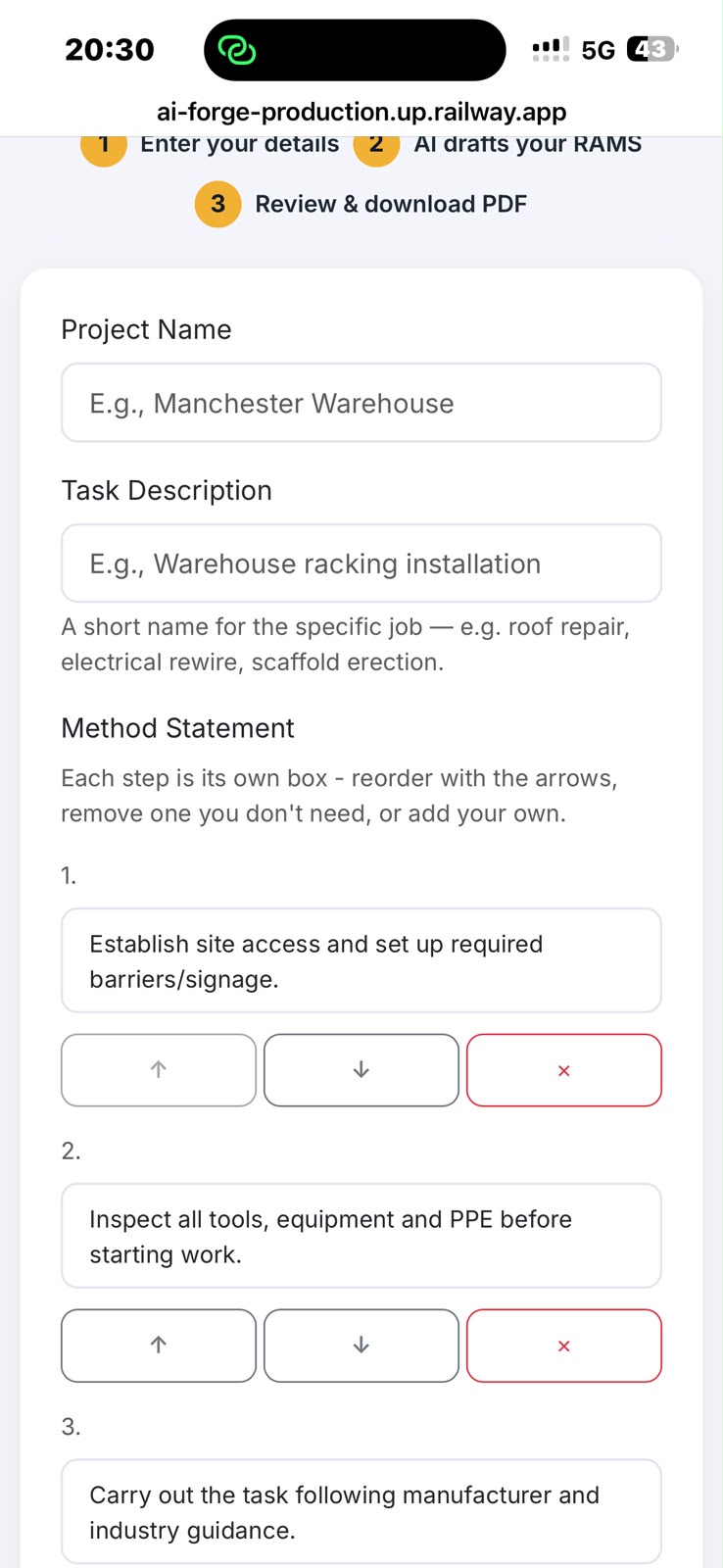
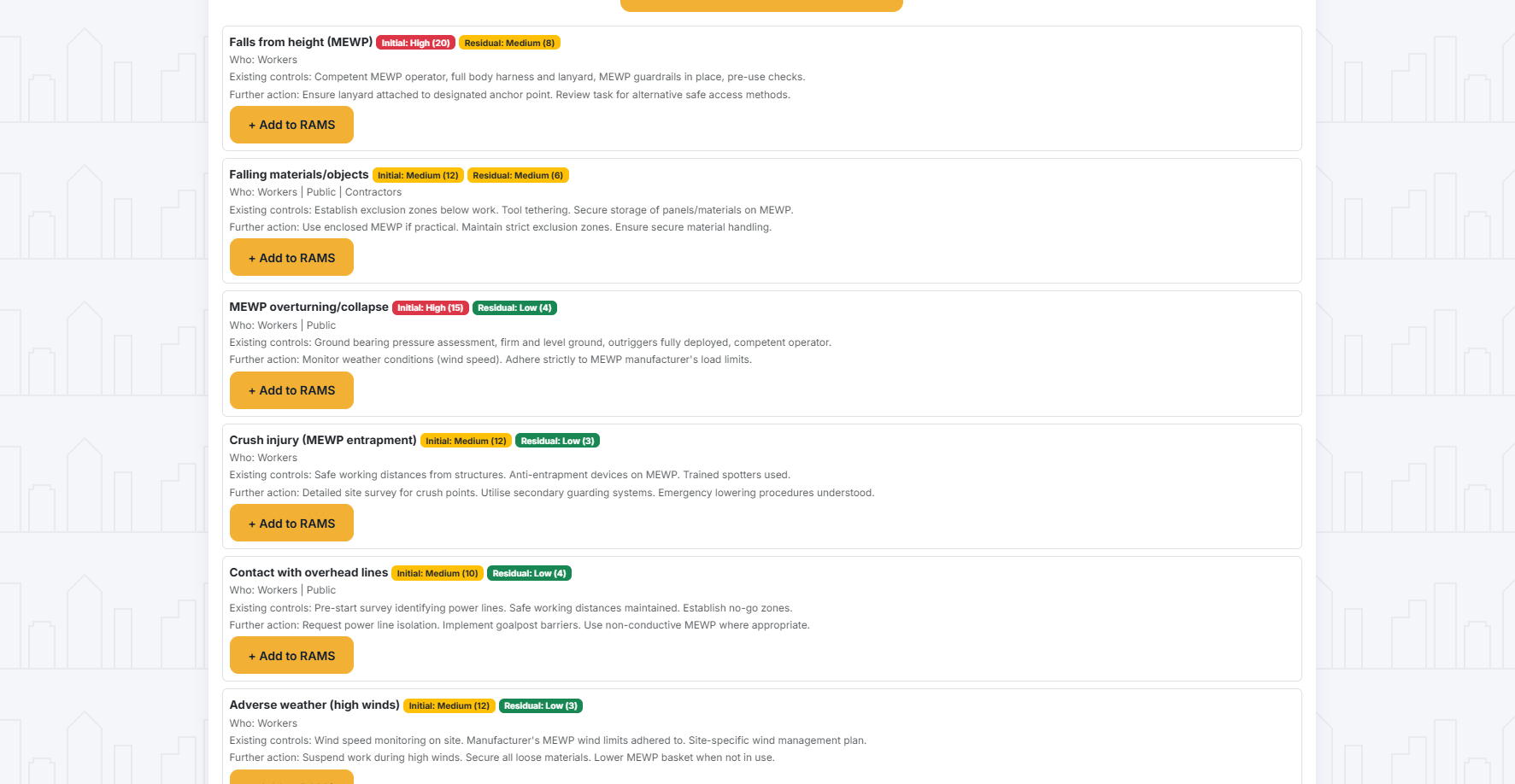
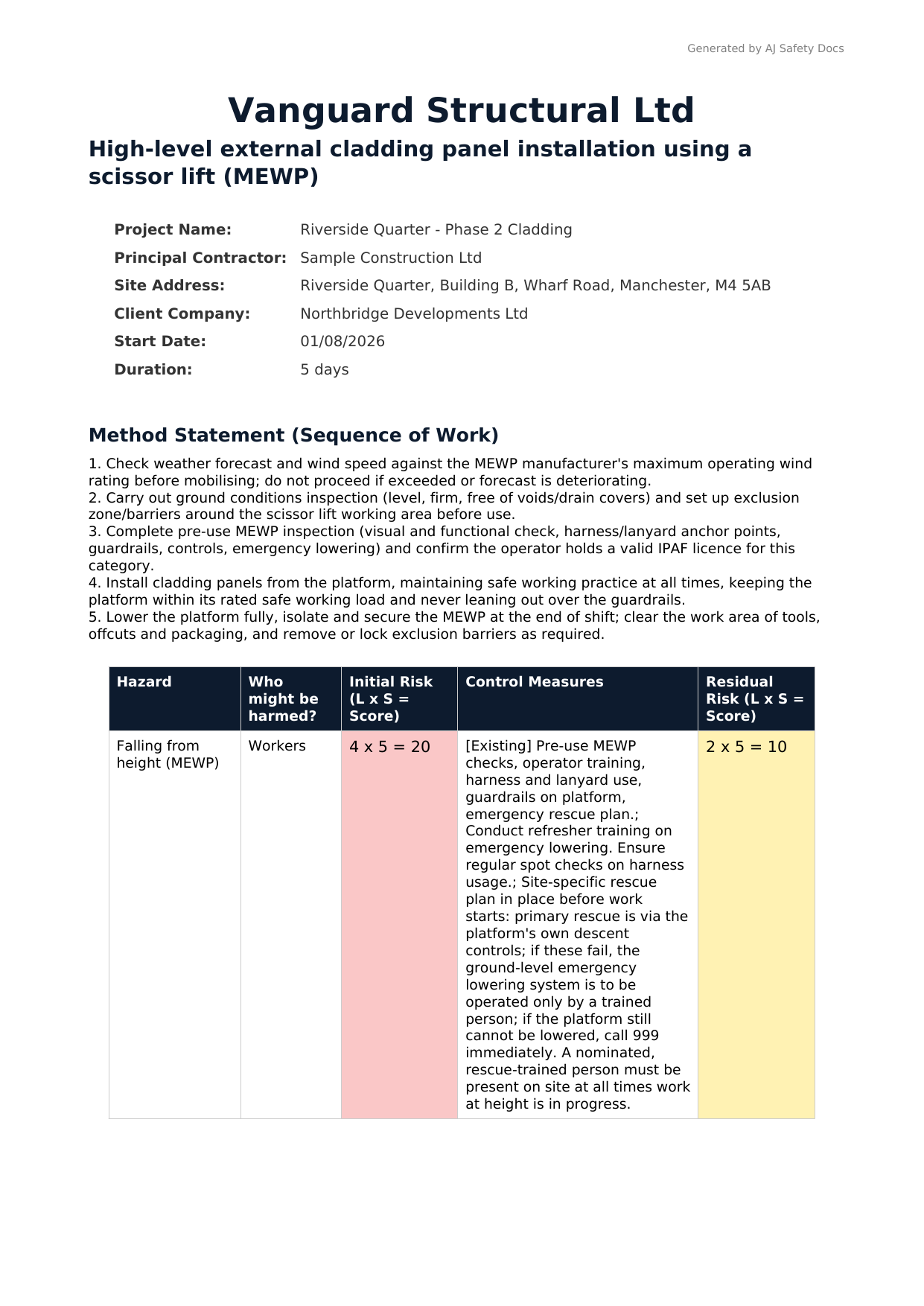
Don't take our word for it. Download a sample High-Level External Cladding Installation RAMS, generated by AJ Safety Docs.
Download the sample PDFCommon questions
Is it compliant with UK HSE requirements?
AJ Safety Docs is designed around UK construction health and safety principles and intended to support competent-person RAMS preparation and review. It does not replace competent-person judgement or site-specific review — you remain the Competent Person, and every RAMS must be checked before use.
Can it create site-specific risk assessments?
Yes. You describe your actual job and site, and the AI drafts hazards, PPE and control measures relevant to that task — not a generic, one-size-fits-all list. You review and edit everything before it becomes a PDF.
Can I reuse templates or previous jobs?
Not yet — each RAMS is generated fresh from your task description, and every RAMS gets its own secure share link you can return to any time to review, edit or re-download. A saved-account view of all your past jobs is on the roadmap.
Can I add my company logo or send documents directly to clients?
You can add your company name, shown as "Prepared by" on the PDF. Logo upload and in-app sending to clients aren't available yet — for now you download the PDF and send it however you normally would (email, WhatsApp, printed copy).
Can I share the RAMS with my whole site team, not just view it myself?
Yes. Each RAMS has its own secure share link that anyone with the link can open — drop it in your site WhatsApp group so the whole team can view it on their phones. No separate accounts or logins needed.
Do I have to pay a monthly subscription?
No. Construction work is project-based, so we are too. You pay £14.99 per document only when you need it — no contracts, no hidden fees.
*Free during beta if you leave a quick, structured review.
Can I make changes after I've already downloaded a document?
You can't edit a PDF you've already downloaded directly. But you can go back to the same link at any time, update your hazard list or method statement, and download a fresh PDF with your changes — just make sure everyone's working from the new copy, not the old one.
What early testers say
"I know on site, the paperwork side of things is important for them in the office, but the workers aren't interested, so something to make it easier and accessible is a big help."
"You have clearly thought beyond simply creating a form. [...] The sample PDF is professionally presented and the risk table is easy to read."
💬 How are we doing?
We're building this in the open and would love your feedback or suggestions — good or bad, even if you don't fill in the form below. No name or email needed; like any web request, your IP address is logged for basic security (same as elsewhere on this page), but nothing else identifies you.